Bahrain Visa Check 2026: How to Check Your Status by Passport Number
Before you book a flight, hand over your passport to a “visa agent,” or panic because your status hasn’t updated, doing a Bahrain visa check yourself takes about two minutes and doesn’t cost anything. Which system you use, though, depends entirely on what kind of visa you’re checking. A tourist eVisa is checked through one government portal, and a work permit is checked through a completely different one, and using the wrong one is the single biggest reason people get a blank result and assume something’s wrong.
This guide walks through both official routes, what details each one asks for, and what a bahrain visa status check result actually means once you get it.
Two Separate Authorities, Two Separate Checks
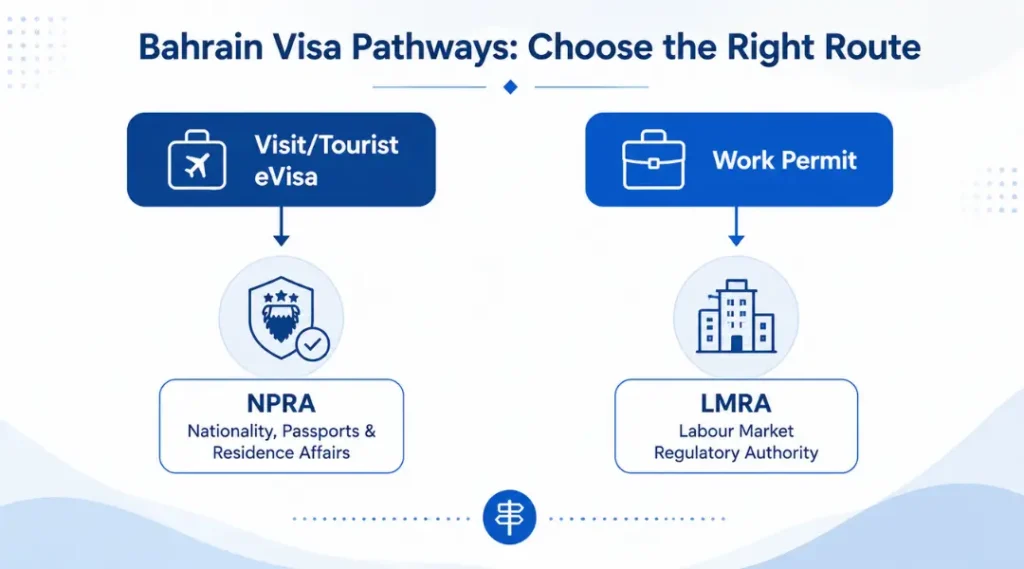
This is the part most people miss when they first try a bahrain e visa status check. Bahrain splits visa and residency services across two government bodies, and each one runs its own status-check tool:
- NPRA (Nationality, Passports and Residence Affairs): handles tourist, business, and family visit eVisas issued through evisa.gov.bh. If you’re checking a visit visa you applied for yourself, this is your portal.
- LMRA (Labour Market Regulatory Authority): handles work permits and employment-based residency issued through the Expat Management System (EMS). If you’re checking a job-related visa, this is the one you need.
If you’re still unsure which category your visa even falls under before you get to the checking stage, our complete Bahrain visa guide breaks down every entry category NPRA and LMRA each handle.
How to Do a Bahrain Visa Check for a Visit eVisa (NPRA)
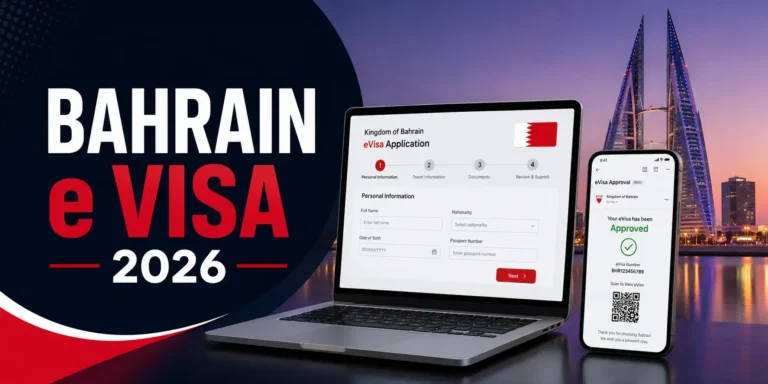
If you applied through evisa.gov.bh for a tourist, business, or family visit visa, this is your route. NPRA’s Check Application Status service asks for four specific details, and all four have to match exactly what you entered when you first applied:
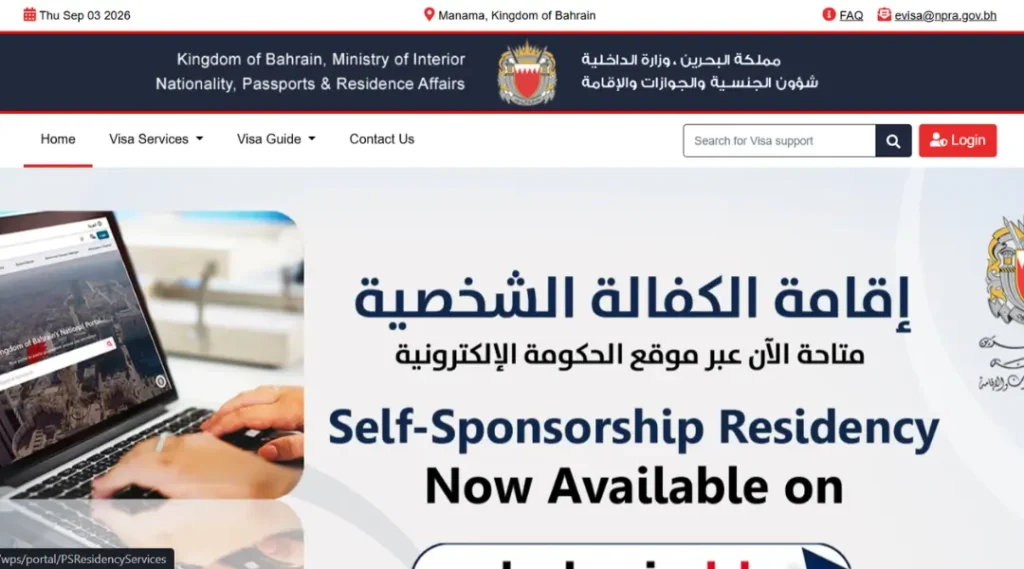
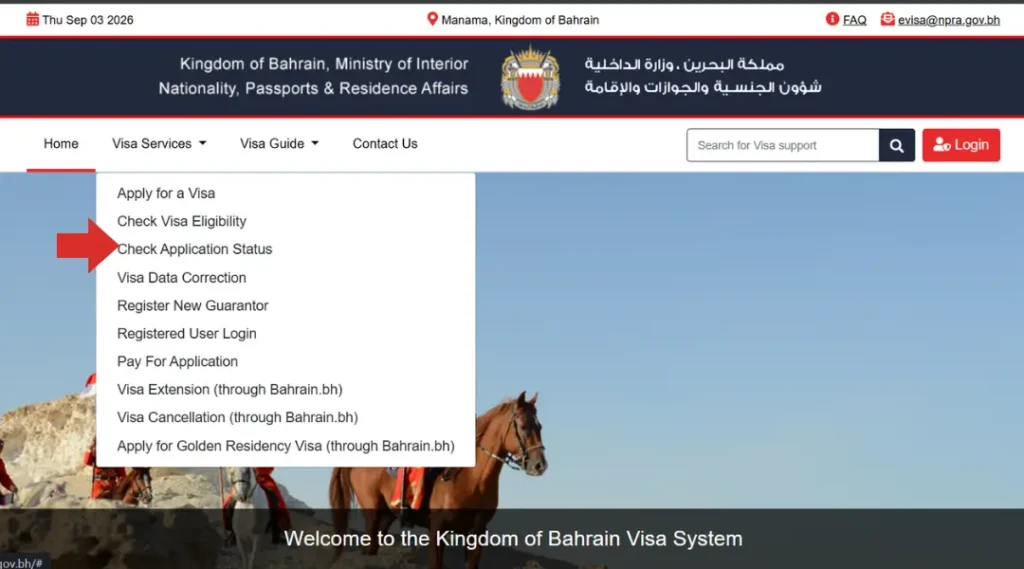
- Go to the official portal at evisa.gov.bh, and open the “Visa Services” menu.
- Select “Check Application Status” from the dropdown.
- Enter your Passport Number exactly as it appears on your passport.
- Select your Nationality from the dropdown list.
- Enter your Date of Birth in the format the form specifies.
- Enter your Application Reference Number, the number you were emailed after you paid your application fee.
- Submit, and your current status (Approved, Under Process, or Rejected) displays on screen.
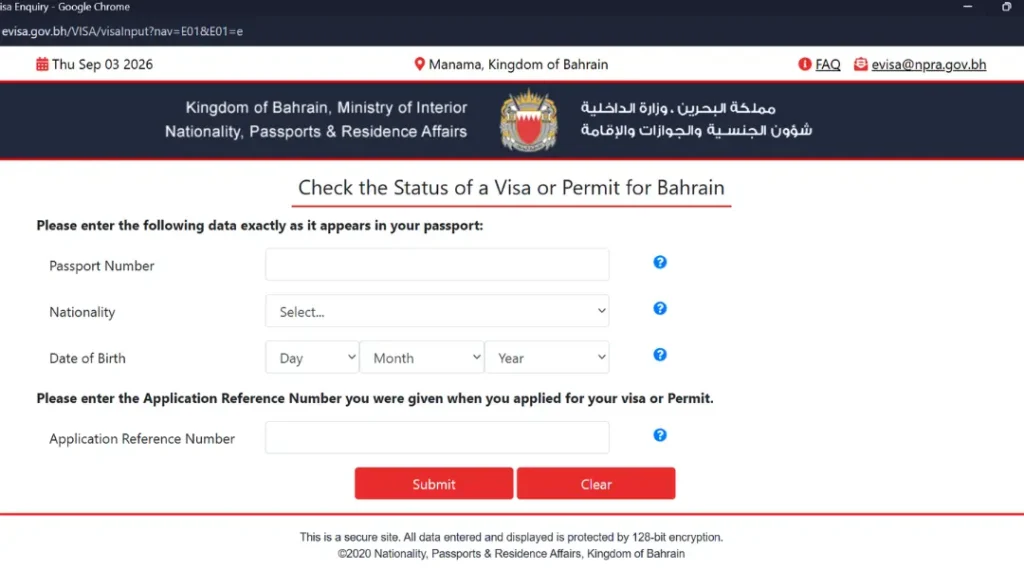
If you never received or have since lost your reference number, NPRA’s support desk can look it up. Emailing evisa@npra.gov.bh with your full name, nationality, and passport number, sent from the same email address you used to apply, is the official fallback route. If you’re still working through the application itself rather than checking on one already submitted, our Bahrain e-Visa guide covers the full document list and fee breakdown step by step.
How to Do a Bahrain Visa Check for a Work Permit (LMRA)
A work permit doesn’t show up anywhere on the NPRA eVisa portal, and this is where a lot of confusion starts for anyone doing a bahrain visa check by passport number and coming up empty. LMRA runs a separate, no-login service specifically built for this:
- Go to LMRA’s “View Expatriate Employee Data” service on the official LMRA portal (lmra.gov.bh), under the Expat Management System section.
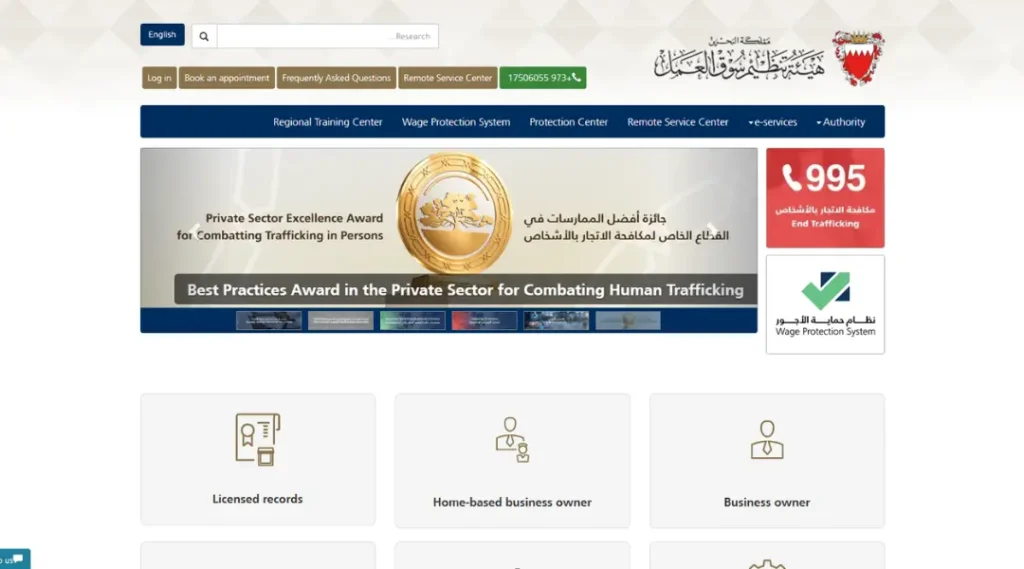
- Enter your Personal Number (your CPR/ID number in Bahrain’s system).
- Select your Country of origin from the dropdown.
- Enter your Passport Number.
- Click “Search”, and the service returns your work permit’s current status and validity directly, with no account or login required.
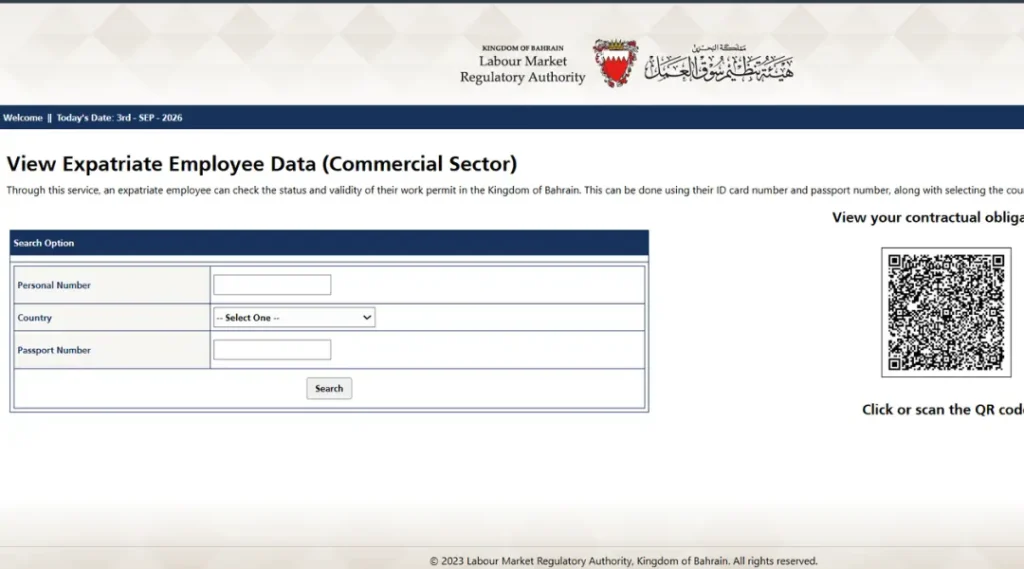
This is different from the full EMS platform, which is where your employer logs in to actually submit and manage the application on your behalf. As an employee, you don’t need an EMS account just to confirm your own permit is active. If checking online doesn’t return a clear answer, calling LMRA’s contact centre directly at +973 17506055 is the official next step, since a phone confirmation from LMRA carries more weight than a secondhand update from an agent or employer.
For everything about how the permit itself gets approved, fee tiers, and processing timelines in the first place, see our Bahrain work visa guide.
Bahrain Visa Check: Which System Applies to You
What Your Bahrain Visa Check Result Actually Means
If you get “No Record Found” on the NPRA portal, try LMRA’s “View Expatriate Employee Data” service instead (or vice versa) before assuming there’s a real problem. This single mix-up accounts for most failed lookups people report.
Common Mistakes That Cause a Failed Bahrain Visa Check
- Checking the wrong portal for your visa type. A work permit will never show up on evisa.gov.bh, and a tourist eVisa will never show up on LMRA’s system.
- Typos in the passport number. Even a single missing letter or digit returns “No Record Found,” so copy it directly from your passport rather than typing from memory.
- Using an expired reference number email. If you applied more than once for any reason, make sure you’re using the reference number from the most recent, correctly paid application.
- Paying a third-party site for a status check. Both the NPRA and LMRA checks are completely free through their official portals. Any site asking for payment just to show you a status isn’t a government channel.
- Checking right after paying. Payment processing can occasionally cause a short delay before your status updates on the portal, so if you’ve just paid, giving it a little time before assuming something’s wrong is worth trying first.
Frequently Asked Questions
How can I do a Bahrain visa check online?
It depends on your visa type. Visit and tourist eVisas are checked through evisa.gov.bh using your passport number, nationality, date of birth, and application reference number. Work permits are checked through LMRA’s “View Expatriate Employee Data” service using your Personal Number and passport number.
Can I do a Bahrain visa check by passport number alone?
Not on either official system. NPRA’s check requires your passport number plus three additional fields (nationality, date of birth, and reference number), and LMRA’s check requires your passport number alongside your Personal Number and country of origin. Passport number alone isn’t enough on either portal.
Is there a fee to check my Bahrain visa status?
No. Both the NPRA eVisa status check and the LMRA’s “View Expatriate Employee Data” service are free through their official portals. If a website asks you to pay for a basic status lookup, it isn’t an official government channel.
What do I do if my Bahrain visa check shows “No Record Found”?
First, confirm you’re on the correct portal for your visa type, this is the most common cause. If your details are correct and you’ve tried both NPRA and LMRA without success, contact NPRA directly at evisa@npra.gov.bh or call LMRA’s contact centre on +973 17506055 rather than resubmitting a fresh application.
How do I check my Bahrain work visa status without an EMS login?
Use LMRA’s “View Expatriate Employee Data” service, which doesn’t require an account. Enter your Personal Number, your passport number, and your country of origin to view your work permit’s current status and validity directly.
I lost my NPRA application reference number. Can I still check my status?
Yes. Email evisa@npra.gov.bh with your full name, nationality, and passport number, sent from the same email address you used during your original application, and NPRA’s support desk can help retrieve it.
Note: For the current status of your application, use the official NPRA eVisa portal for visit visas, or LMRA’s official site for work permit checks. If you’re renewing rather than just checking status, our visa renewal Bahrain guide covers the separate NPRA, LMRA, and IGA renewal processes in full.